
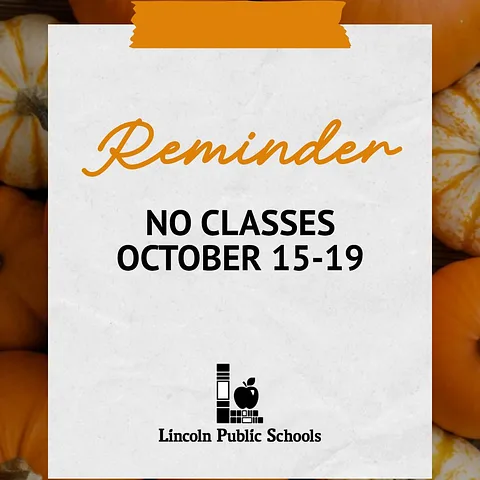
REMINDER: It is LPS Fall Break and there are no classes for LPS students Thursday – Monday (Oct. 15-19).
We are excited to see our students back for the start of the second quarter on Tuesday, October 20th!
Review the LPS Student Calendar on our website: https://www.lps.org/o/lps/page/calendars
The LPS September Monthly Family Update is now available for LPS families!
LPS Communications sends the newsletter on the last Friday of every month with important information for families. Click on the button in the update for either elementary, middle or high school. We’ve also included an index for each section to help you find the information that impacts you and your child.

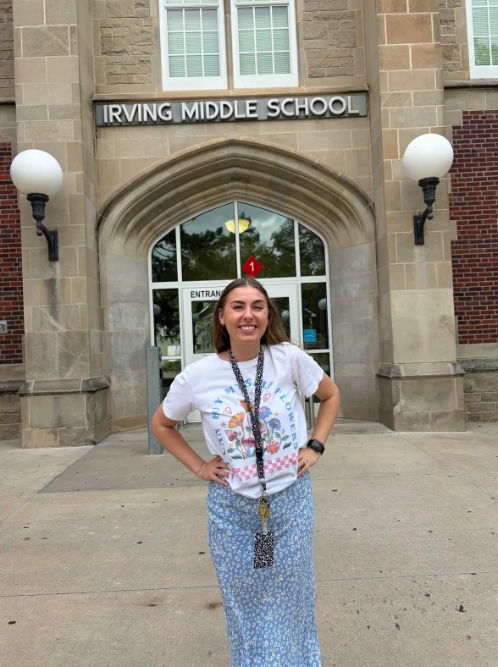
Meet Mr. Folkers!
Graduated from: UNL
First job: Mowing lawns when I was a grade-schooler
What made you want to be a teacher/ work in a school? After I retired from the Army I had a lot of time to think about what came next, and teaching was the only thing that made sense. I love the idea of continuing a life of service by helping to educate the next generation.
What fictional world or TV show universe would you want to live in? Easy. Star Wars.
What is the first thing you would purchase if you won a million dollars? I would fill in the gaps in my massive action figure collection.
Is there anything else you would like to share? I student taught at Irving last year and immediately fell in love with the staff, and more importantly, the students. When I found out there was a job opening at Irving this year, no other school in Lincoln stood a chance.
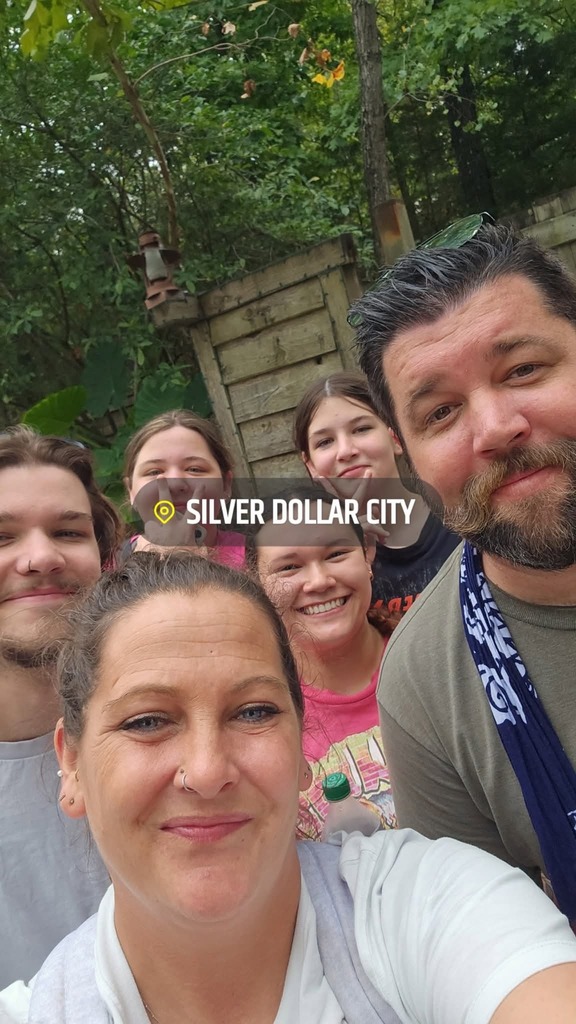
Meet Ms. Sysomphone!
Graduated from: Wayne State College
First job: Detasseling
What made you want to be a teacher? I was inspired by my teachers growing up and I enjoy working with my math students
If your life had a theme song, what would play every time you walked into a room? I Gotta Feeling
If your lunchbox could speak, what would it say about your lunch choices? “Last night’s dinner… again? Really?”
What is something you can't do, but wish you could? Fly an airplane
Is there anything else you would like to share? Let's have an amazing school year!

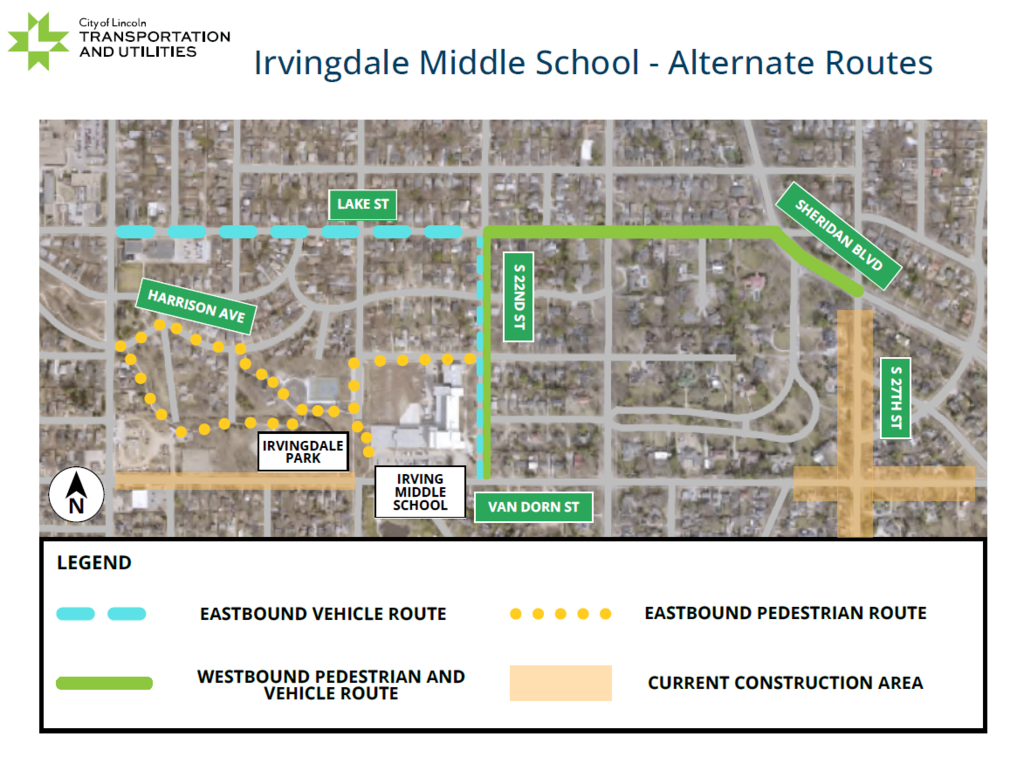
The City of Lincoln Transportation and Utilities department have some updates for Irving families regarding the current construction near our school.
Improvements on 27th Street are occurring in phases with 27th Street currently closed to through traffic from South Street to Nebraska Parkway. Currently, there is also a water main replacement project that requires a lane closure on Van Dorn Street from 17th to 20th streets. Equipment and barriers will be present as work is ongoing, and streets, sidewalks, or curb ramps may be temporarily closed while improvements are being made. LTU asks students and families to be cautious as they travel in and around work zones.
Lincoln Transportation and Utilities (LTU) is dedicated to supporting safe and efficient drop off and pick up near schools. LTU encourages families to use the following routes when traveling
to Irving Middle School:
Heading westbound: Take Sheridan Boulevard, Lake Street, and S 22nd Street
Heading eastbound: Take Lake Street to S 22nd Street
Eastbound pedestrian traffic: Take Harrison Avenue and Irvingdale Park sidewalks.
LTU encourages community members to plan ahead during construction and give themselves extra time to get to their destination. LTU offers a street closures map with current updates at
lincoln.ne.gov/closures. LTU also recommends downloading the Waze mobile app, which includes daily updates on street closures across Lincoln. LTU also offers updates on projects through TextLNK. To learn more, visit lincoln.ne.gov/TextLNK.
Street improvements are anticipated to be completed in late 2026/early 2027. Signal replacements are anticipated to be completed in summer 2027. For more information about the 27th from Nebraska Parkway to South Street Improvement project, visit lincoln.ne.gov/27NEPRKWAY .To subscribe to project updates via texts, text “27NEPRKWAY” to 91896.
LTU thanks Irving Middle School families and staff for their patience and support as we improve streets and water mains in the surrounding area and across Lincoln.

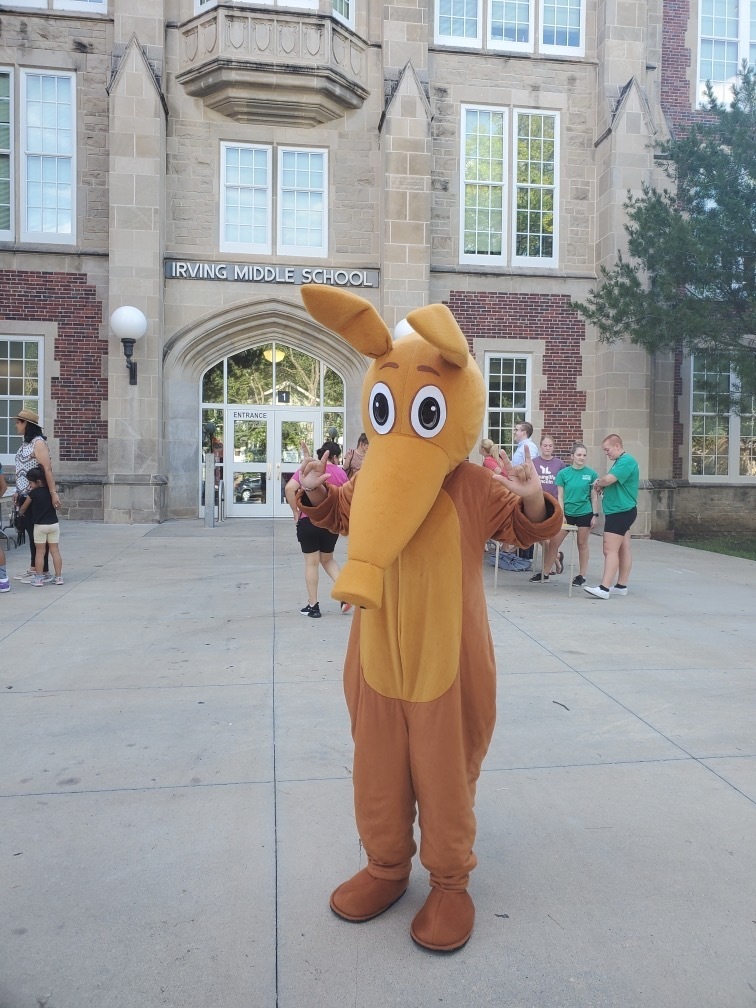
Irving Middle School staff and Artie the Aardvark are excited to welcome our incoming 6th grade students & families to Open House tonight (August 6, 2026) from 5:30-7:00 pm!
The Family Monthly Update for July 31, 2026 is now available for families and students.
The beginning of the school year is almost here and we are excited to see all of our students and families again. The first week of school is approaching fast!
Just a reminder that the first day of school for students in grades kindergarten, sixth, and ninth will be Wednesday, Aug. 12, 2026. Students in grades 1-5, 7-8, and 10-12 will join them on Thursday, August 13. Early Childhood students will start classes on Tuesday, August 18. You can find the updated 2026-2027 calendar on our website.
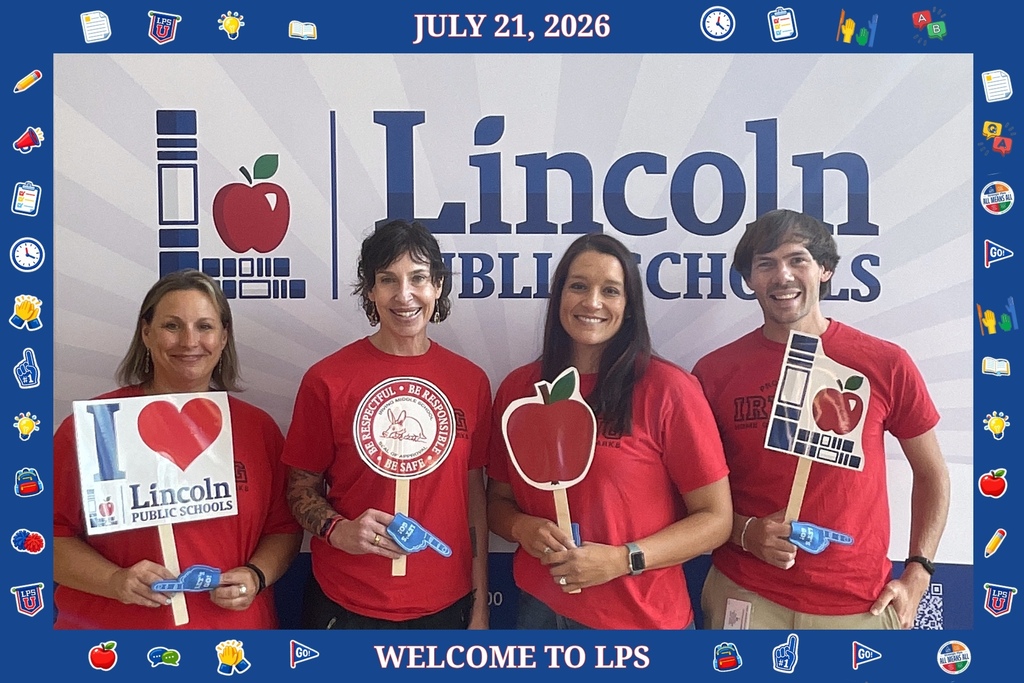
The Irving Admin team is ready to welcome all students, staff & families to the 2026-2027 school year!
Don’t miss out on important back-to-school information! Please take the important steps below to ensure your family’s information is up-to-date.
Every year families are required to complete the enrollment verification process. This includes updating contact information and signing consent and release forms. Please do this as soon as possible so you don’t miss out on important information. The deadline is before the first day of school.
Verify your child’s records:
Starting today, families can log on to ParentVUE, and click on the Online Registration button in the top right corner.
Verify the current address, phone number and email information provided. (This is how your school will contact you about emergencies and send important updates.)
Follow the prompts on the screen and answer each question or verify information already provided as thoroughly as possible.
If you have questions or need help with completing these steps, please contact your child’s school.
If you have previously used your ParentVUE account, but can’t remember your password, you can reset it online at https://synergyvue.lps.org/. If you have not yet activated your LPS ParentVUE account, please contact the main office of your child’s school for instructions and an activation key.
Thank you for your help!
New version of StudentVUE app now available
Edupoint, the company that brings us Synergy StudentVUE, has updated their mobile apps for both iPhone and Android. While the functionality is the same, the app looks a little different. All current and future users of the StudentVUE app will need to download the new app. StudentVUE users will student login and password.
Jobs and Extended Learning Opportunities (JELO)
Is your child looking for a job or other extended learning opportunity? Students can use their Chromebook or LPS Student Portal account to check out our electronic bulletin board by going to lps.org and typing in the keyword “JELO”. (Students must be logged in to their LPS Student Portal to view the board.)
Students in grades 6-12 will find information about a wide variety of opportunities available. This includes activities, camps, jobs and internships. We update the board every Wednesday afternoon.
2026 Summer meal information
Thanks to the federally funded program (SFSP), children can get the nutrition they need throughout the summer. Summer community meal locations are listed on the Lincoln Food Bank website with dates and times, or you can text FOOD or COMIDA to 304304, call 2-1-1, or use an interactive map located at NoKidHungry.
New version of ParentVue app now available
Edupoint, the company that brings us Synergy ParentVUE, has updated their mobile apps for both iPhone and Android. While the functionality is the same, the app looks a little different. All current and future users of the ParentVUE app will need to download the new app. Current ParentVUE users will sign in using the same login/password as is used now. If you do not yet use ParentVUE and would like to, please contact your student’s school office for an activation key.